Most golf cart repairs start with one of four things: the battery, the charger, the wheels or the controller, and many problems can be checked at home before you buy a part. This guide covers common golf buggy and cart faults, the checks to do first and the parts that fix them.
Common golf buggy and cart problems
| Symptom | Likely cause | First check | Part to look at |
|---|---|---|---|
| Will not turn on | Flat battery or loose connector | Charge level and main connector | Battery |
| Slow or short range | Tired battery, low tyre pressure | Battery age and tyres | Battery or tyres |
| Will not charge | Wrong or faulty charger | Charger light and lead | Charger |
| Wobbly or noisy wheel | Worn wheel or bearing | Spin and wiggle the wheel | Wheels and tyres |
| Cuts out or surges | Controller or motor fault | Connectors and error codes | Motor and controller |
Buggy will not turn on
Check the battery first. A deeply discharged pack is the most common cause. Make sure the main connector is seated and any fuse is intact, then try the charger. If the pack charges but the buggy still does nothing, the controller or key switch is next. See our golf buggy parts.
Slow speed or short range
A battery that has lost capacity is the usual reason, followed by low tyre pressure or a binding wheel. If your lead-acid set is several years old, compare the cost of a new set with a lithium upgrade in our battery range.
Wheel, tyre and strut problems
Wheels and tyres wear faster than anything else on a buggy. Our wheel and tyre range runs from $29 to $179, including MGI Rear Wheels Pair (Zip / Ai) at $179 and the Clicgear Secondary Strut / MGI Bag-Rest Spacer at $30.
Motor, gearbox and controller faults
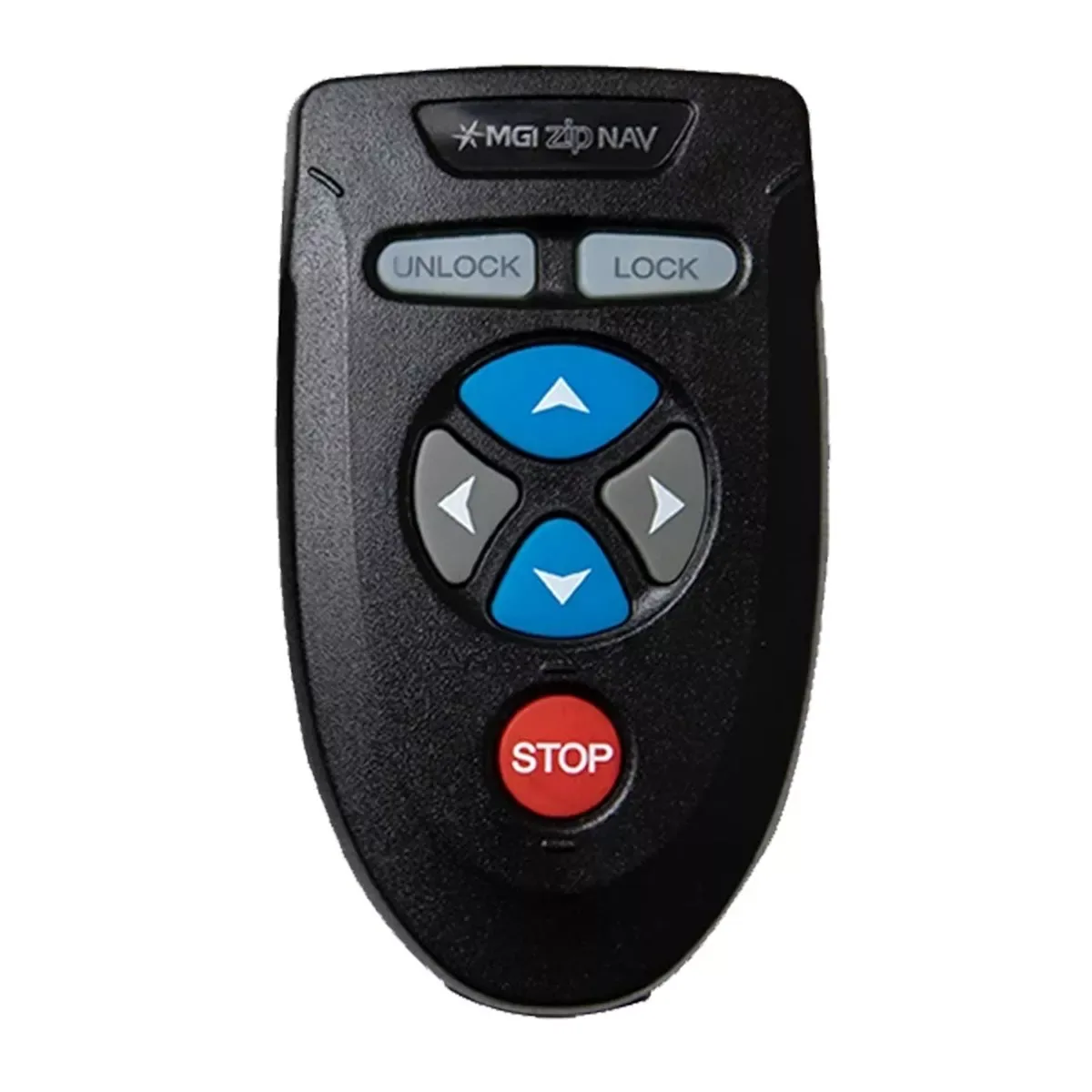
Electrical faults are best left to someone who knows the system. The parts exist: the MGI Zip Navigator Motor Controller is $350 and an aftermarket motor and gearbox is $189. Browse motors and controllers.
A simple servicing routine
- Charge after every round and use the right charger.
- Check wheels, tyres and bolts every month.
- Wipe the buggy down after wet or sandy rounds.
- Store lithium batteries partly charged and out of direct heat.
- Replace worn tyres and wheels early.
Parts cost guide
Here is what common spares cost on our range:
See them all in our parts range.
A two-minute check before every round
- Is the battery charged?
- Are the tyres inflated or the wheels free of damage?
- Do the brakes hold?
- Do all the connectors and handles sit firmly?
- Does the buggy fold and unfold smoothly?
Catching a loose bolt or a flat tyre in the car park is far easier than fixing it on the course.
Glossary: buggy parts
- Controller: the electronics that manage power from the battery to the motor.
- Motor and gearbox: the drive that turns the wheels.
- Strut: a support part that holds the bag in place on some push buggies.
- Battery management system (BMS): the electronics in a lithium pack that protect it.
- Bearings: the parts that let a wheel spin freely.
Seasonal care
In summer, avoid leaving a buggy or its battery in a hot car or boot. In wet seasons, dry the buggy after use and keep connectors clean. After sandy or dusty rounds, brush off the wheels and fold mechanism. Store the buggy somewhere dry between rounds.
When to get professional help
Call a specialist for controller faults, burning smells, brake problems or anything involving the battery pack's internals. Do not open a lithium pack. We sell parts and can help you identify the right one: call 0480 811 308. MGI owners can also see our MGI spares.